


"How to Learn Website Design With Elementor for Free Step by Step"
A complete beginner-friendly guide to learning Elementor website design for free.
Introduction :
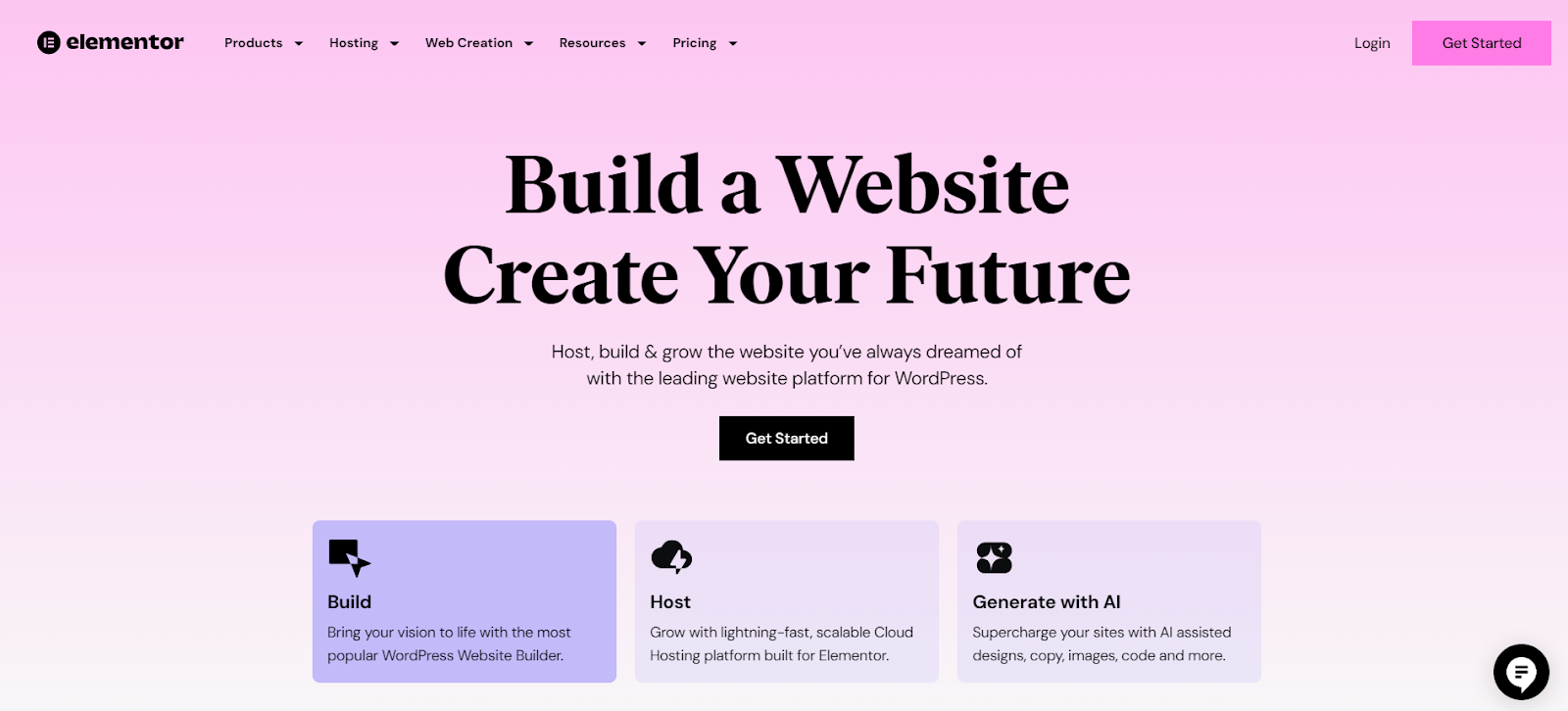
Learning website design with Elementor has never been easier, especially for beginners who want to start for free. Elementor’s free version gives you powerful visual tools to design fully responsive websites without writing any code. In this guide, you’ll learn step by step how to use Elementor, practice website design, understand layout structure, and build your own pages confidently—even from home.
How to Learn Website Design With Elementor for Free Step by Step :
Learning Elementor step by step starts with understanding the basics. Begin by installing Elementor on WordPress, exploring its drag-and-drop editor, and practicing simple layouts. Start small: create a header, add sections, and experiment with text and images. Once you understand the interface, move on to creating full landing pages and website layouts using free templates and blocks.
Elementor Website Design Tutorial for Beginners Free :
A free Elementor tutorial usually includes learning how the sidebar works, how to drag widgets, and how to structure pages with sections, columns, and inner sections. Beginners should practice adding headings, images, buttons, and spacing. The more you experiment, the faster you learn. The free version offers plenty of tools to help beginners start designing professional pages.
How to Create a Website Using Elementor for Free for Beginners
Creating a website with Elementor for free is simple. Install WordPress → Add Elementor plugin → Choose a clean theme like Hello Elementor → Start designing pages visually. Use Elementor’s free widgets such as Heading, Text Editor, Image, Divider, Button, and Icon Box. Build each page section by section, preview on mobile, and publish when ready.
Learn Elementor Website Design at Home Free
Learning Elementor at home is perfect because everything you need is online. You only need practice time, basic internet, and a WordPress site. There are countless free tutorials on YouTube, online guides, and Elementor documentation. Set a small daily goal—create one section per day—and within a week you’ll be confident using the editor.
How to Practice Elementor Website Design for Beginners :
Practicing Elementor is the key to mastering it. Create practice pages like:
Simple homepage
About us page
Services page
Contact form layout (using form plugin)
Try rebuilding popular websites you like. The more layouts you recreate, the better you understand spacing, typography, and color harmony.
Best Way to Learn Elementor Website Design Free :
The best way to learn Elementor for free is by combining three methods:
Video tutorials – learn visually
Practical exercises – build real pages
Free templates – study professional layouts
This combination gives you speed + real-world skills without spending any money.
Elementor Free Course for Website Design Beginners :
There are many free Elementor courses available on YouTube and blogs. Look for beginner-friendly playlists that teach you from installation to building a complete website. These courses help you understand widgets, spacing, structure, design flow, and responsive editing—all 100% free.
How to Build a WordPress Site With Elementor Free Version :
Building a full WordPress website using Elementor Free is absolutely possible. Start by choosing a theme designed for Elementor, install essential plugins (SEO, forms, security), and design your pages visually. Use global colors and global fonts to keep your design consistent across all pages.
Easy Elementor Website Design Guide for Complete Beginners
For complete beginners, the easiest method is to follow a simple design workflow:
Choose a clean template
Edit text and images
Adjust spacing (margin & padding)
Customize colors and typography
Preview on mobile
Publish
This process ensures your design is professional, clean, and user-friendly.
Easy Elementor Website Design Guide for Complete Beginners
For complete beginners, the easiest method is to follow a simple design workflow:
Choose a clean template
Edit text and images
Adjust spacing (margin & padding)
Customize colors and typography
Preview on mobile
Publish
This process ensures your design is professional, clean, and user-friendly.
How to Use Elementor Page Builder Free for Beginners :
Elementor’s free page builder lets beginners design professional layouts quickly. Just drag a widget → edit content → style it → adjust spacing. The interface is straightforward, making it perfect for people who have never designed a website before. With practice, you can build landing pages, business sites, portfolio sites, and more.
FAQs :
Can I learn Elementor for free :
Yes, the free version offers enough tools for beginners to design complete websites.
Do I need coding to use Elementor?
No. Elementor is fully drag-and-drop. Coding is optional.
Is Elementor good for beginners?
Yes. It’s one of the easiest website builders ever created.
How long does it take to learn Elementor?
Most beginners learn the basics within 3–5 days of practice.
Can I build a whole website with Elementor free?
Absolutely. Many complete websites use only the free version.
Conclusion :
Learning website design with Elementor for free is one of the easiest and fastest ways to enter the world of web design. With its drag-and-drop tools, free templates, and beginner-friendly interface, anyone can start building beautiful, responsive websites without coding. Keep practicing, explore new layouts, and soon you’ll be designing professional WordPress sites with confidence.